Physical Address
304 North Cardinal St.
Dorchester Center, MA 02124
Physical Address
304 North Cardinal St.
Dorchester Center, MA 02124
Keeping You Informed Every Day
Keeping You Informed Every Day
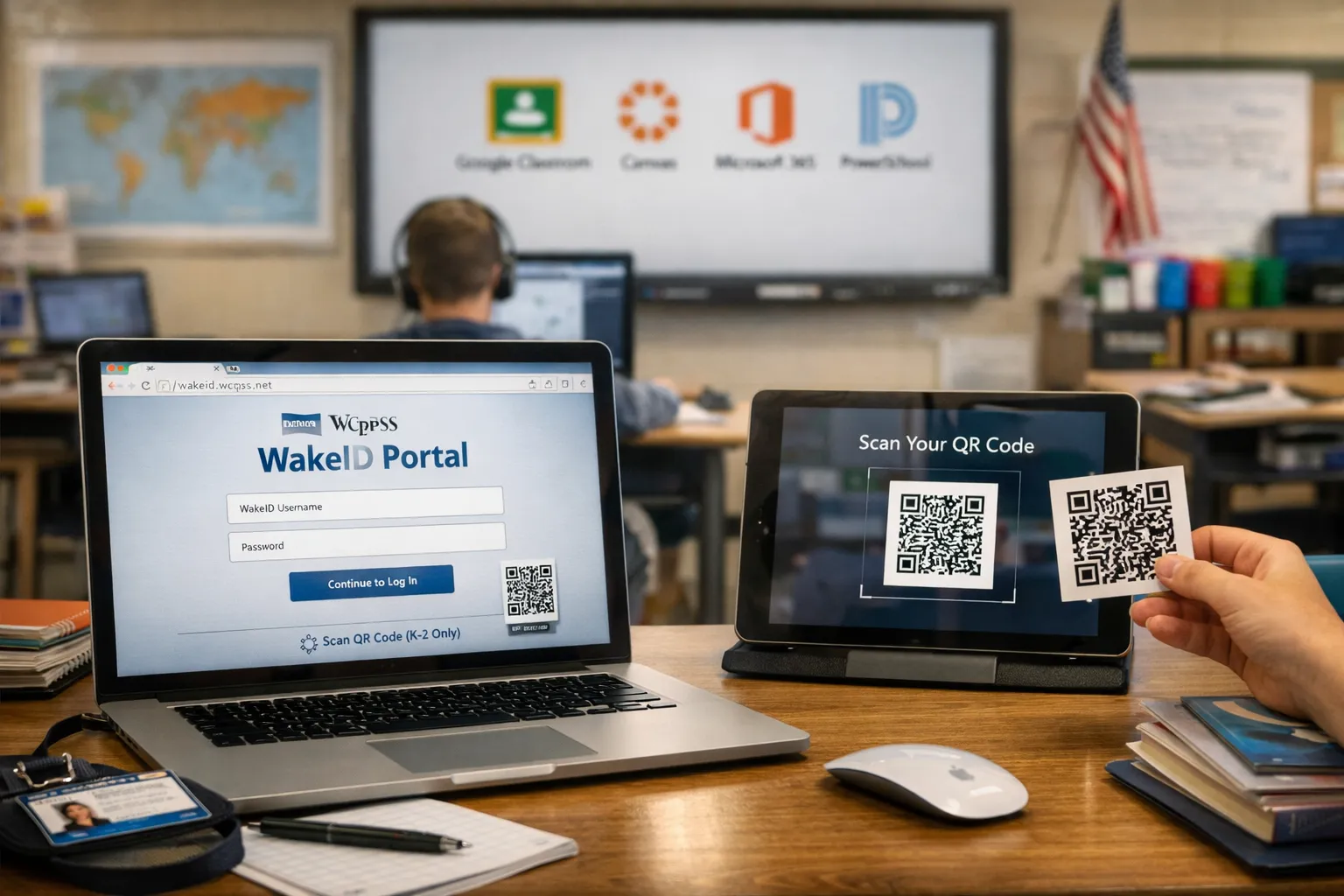
In today’s digital learning environment, students and educators need streamlined access to a growing ecosystem of online tools. For the Wake County Public School System (WCPSS) in North Carolina, that solution is the WakeID Portal. Whether you are a student trying to access Google Classroom, a teacher preparing lessons in Canvas, or staff member checking email, your WakeID is the key that unlocks it all.
This guide covers everything you need to know about WakeID, what it is, how to log in, how to set up your password, and what to do if you run into issues. Consider this your go-to resource for navigating the WCPSS digital experience.
WakeID is a unique username assigned to every WCPSS employee and student. Think of it as your digital passport for the school system. Instead of remembering separate usernames and passwords for Google, Canvas, Microsoft 365, and other applications, the WakeID Portal provides single sign-on (SSO) access to all these tools from one centralized location.
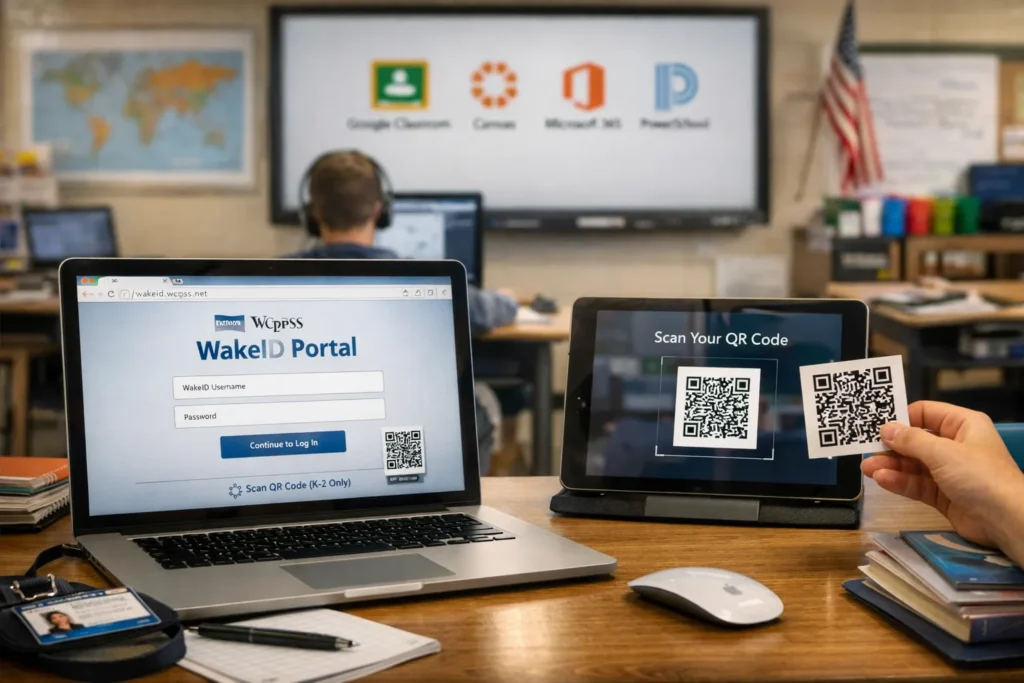
The portal itself is available at https://wakeid.wcpss.net. Once you log in, you will see an application launcher with icons for all the digital resources available to you. This simplifies the user experience significantly, no more hunting for bookmarks or struggling to remember which password goes with which service.
A common point of confusion is the difference between your WakeID and your network login. According to WCPSS, your WakeID is not connected with your network login. They serve different purposes within the district’s technology infrastructure, so it is important to keep them straight.
Every student and staff member in the Wake County Public School System receives a WakeID. For existing students with active email accounts, the WakeID is typically the first part of their email address (for example, “jsmith”). For new staff members, the WakeID account must be claimed before it can be used. Students, on the other hand, do not need to claim their account, their WakeID is already provisioned and ready for use.
Logging in is straightforward. Here is the step-by-step process for most students and staff:
Important Update: As of August 15, 2025, the WakeID login page was updated to simplify the sign-in process. Users no longer need to select a user type (such as “staff” or “student”) from a dropdown menu. This change makes the process faster and more intuitive.
For our youngest learners in Kindergarten through 2nd grade, there is an even simpler option. K-2 students can log in using a QR code printed by their teacher. On the login page, the student simply clicks Scan QR Code (K-2 Only) and holds the code up to the camera. The traditional method of entering a username and password is still available, but the QR code eliminates the need for young children to type in credentials.
For students, the first login is also when you set your permanent password. While the initial password is typically your student ID number, you will be prompted to create a new, more secure password upon your first successful login. It is highly recommended to choose a strong password that you can remember but that would be difficult for others to guess.
The WakeID Portal is your gateway to a wide range of educational and productivity tools. The specific applications available may vary by grade level and role, but common resources include:
Teachers can even customize their portal view. The application launcher allows educators to add custom icons that link to frequently used resources, creating a personalized dashboard.
Even with a well-designed system, issues can arise. Here are some of the most common problems and how to resolve them.
If you forget your WakeID password, do not panic. The first point of contact should be your student’s teacher or the school’s technology support staff. They can assist with password resets or guide you through the recovery process. For staff, the User Management Portal within the WakeID site offers additional options for managing passwords and account settings.
If you are a student and do not know your WakeID, check your school email address. The first part of that address is almost always your WakeID. If you are still unsure, your teacher or the school office can provide it.
If the login page does not look as expected, you may be seeing the updated version released in August 2025. Remember, the new page removes the user type dropdown. Simply enter your WakeID and password and click Continue.
WCPSS is in the process of implementing Multi-Factor Authentication (MFA) using Duo. This added layer of security will require users to verify their identity through a second method, such as a phone app or text message, when logging in. Keep an eye on district communications for updates on when MFA will be rolled out for your account.
To ensure a smooth experience with the WakeID Portal, follow these best practices:
A WakeID is a unique username assigned to WCPSS employees and students to access digital tools and resources through the WakeID Portal.
No. Your WakeID is a username, often based on your name or email address. Your student ID number is a numeric identifier used for attendance, lunch accounts, and as your initial WakeID password.
Students log in at https://wakeid.wcpss.net using their WakeID and their student ID number as the password. They will then be prompted to create a new password.
Yes. K-2 students can click Scan QR Code (K-2 Only) on the login page and scan a QR code provided by their teacher.
Contact your student’s teacher or your school’s technology support team for assistance. For district-wide issues, you can reach the WCPSS Help Desk at 919-664-5700.
You can access Google Workspace, Canvas, Microsoft 365, PowerSchool, NCSIS, and other district-approved tools.
The WakeID Portal is more than just a login page, it is the central hub for digital learning and productivity in the Wake County Public School System. By understanding how to log in, set up your account, and troubleshoot common issues, you can focus on what really matters: teaching and learning.
Whether you are a student starting a new school year or a staff member navigating the digital landscape, your WakeID is your most valuable digital asset within the WCPSS ecosystem. Bookmark the portal, keep your credentials secure, and explore the wealth of tools available at your fingertips.